Dropped Your Phone? Eject Water from Speakers (Without the Rice)
Western users know the "rice trick," but technicians know it's a myth. Use the same sound-wave technology as the Apple Watch to save your audio in seconds.
Stop Waiting for Rice to Work
If you bury your phone in rice, you're not "drying" it—you're feeding it starch and dust. Rice is a poor desiccant that creates a humid oven, accelerating internal corrosion.
When water gets trapped in your speaker grill, surface tension keeps it there. To get it out, you don't need to wait; you need to increase internal pressure.
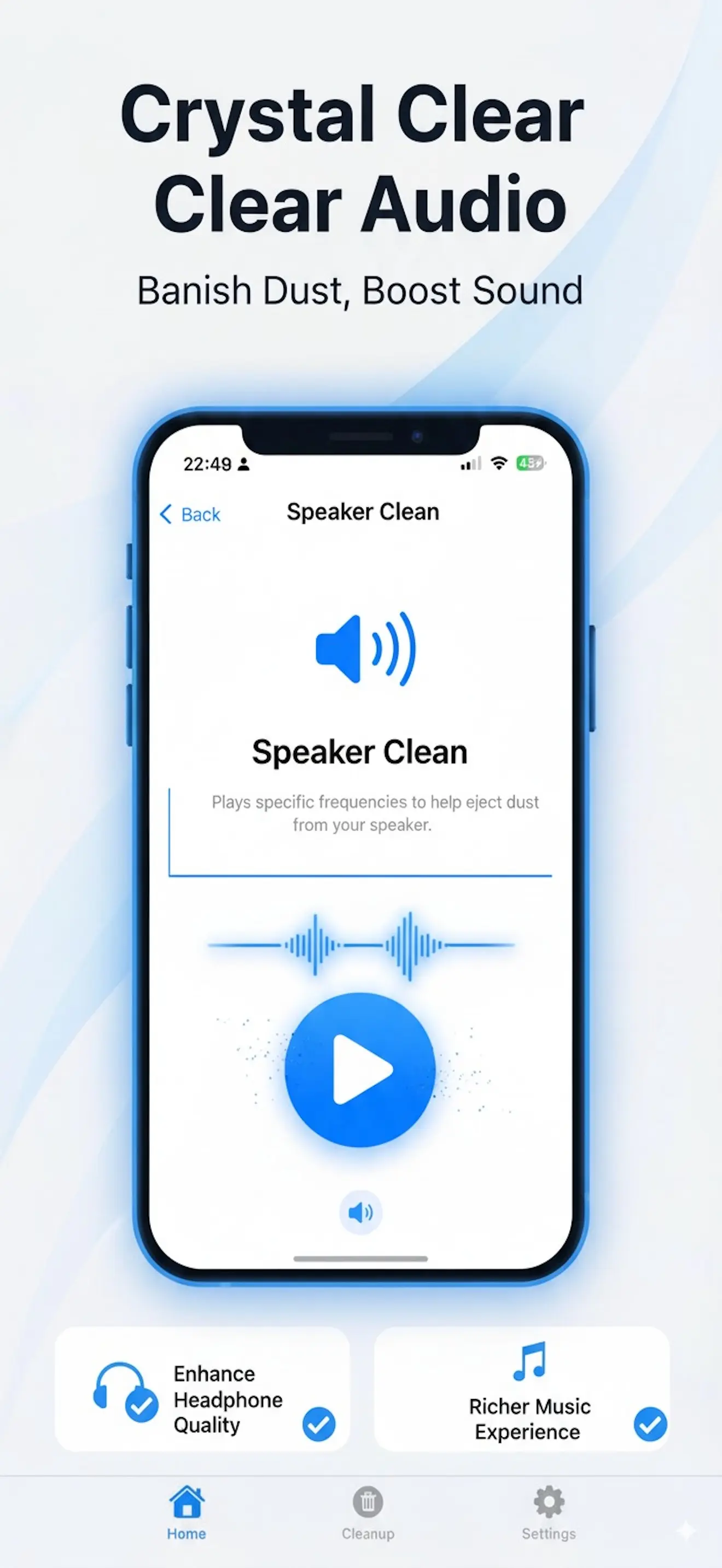
The Physics of Water Ejection
We use specific 165Hz sine waves. This exact frequency creates a vacuum-like vibration that physically shakes water droplets loose from the speaker mesh.
Active Vibration
Forces the speaker diaphragm to its maximum physical limit to push water out.
Sonic Resonating
Targets the frequency where water surface tension is most vulnerable.
Instant Results
Works in under 60 seconds. No more waiting days for "the audio to sound normal."
How to Restore Your Audio Now
Open the Utility
Download Speaker & Port Cleaner and head to Hardware Fix.
Position Face-Down
Hold your phone at a slight angle so gravity can help the process.
Sonic Burst
Run the Water Eject cycle. You will see droplets physically emerge.
Wipe Clean
Wipe away the moisture with a dry cloth and test your sound.
Total Hardware Maintenance
Don't wait for an emergency. Keep your device like new.
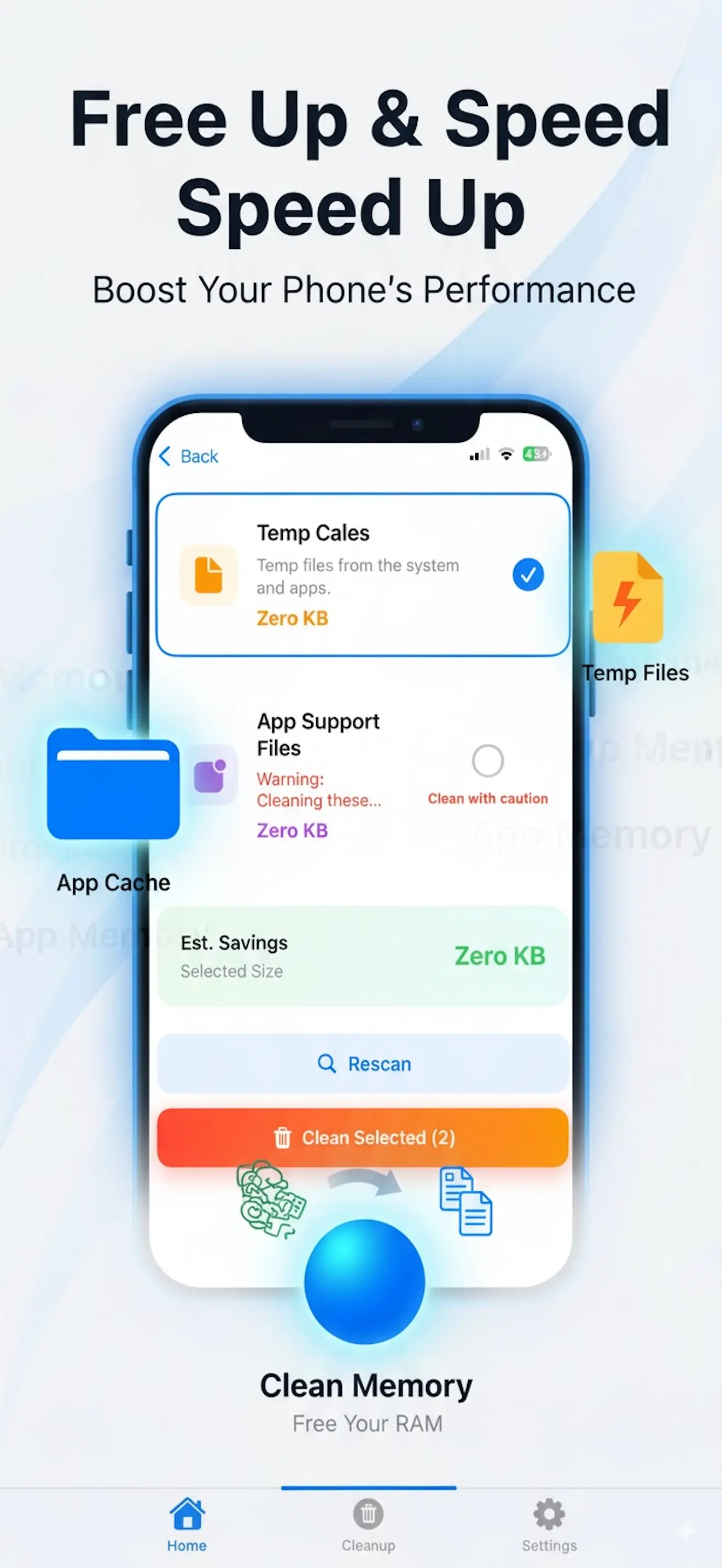
Dust & Debris Removal
Is your sound crackling? It likely isn't water, but pocket lint in the mesh. Our high-frequency "Dust Burst" dislodges particles that manual cleaning can't reach.
Port Integrity Fix
Charging cable loose? Use our vibration maintenance mode to loosen compacted lint in your charging port before you resort to using dangerous toothpicks.
Hardware Restored. Now Scale Your Software.
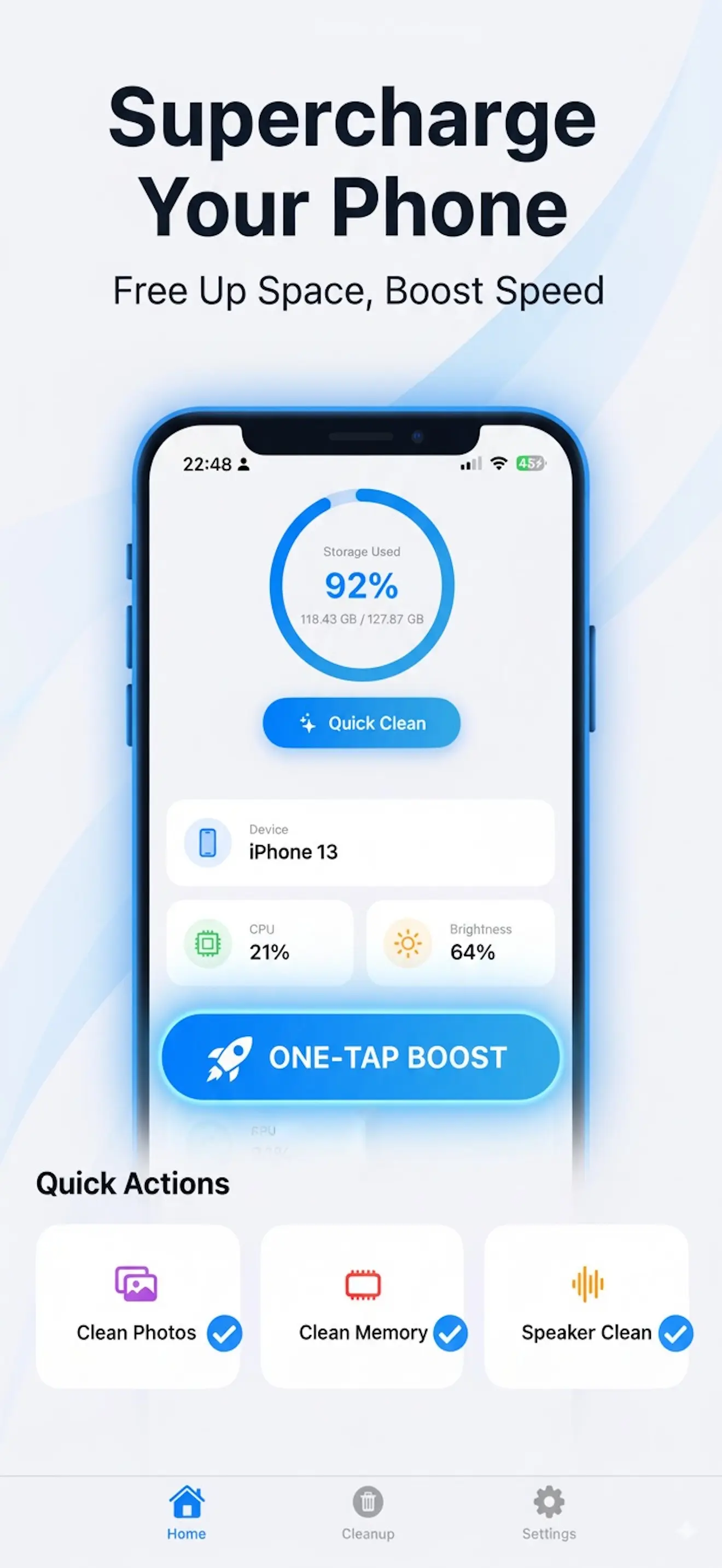
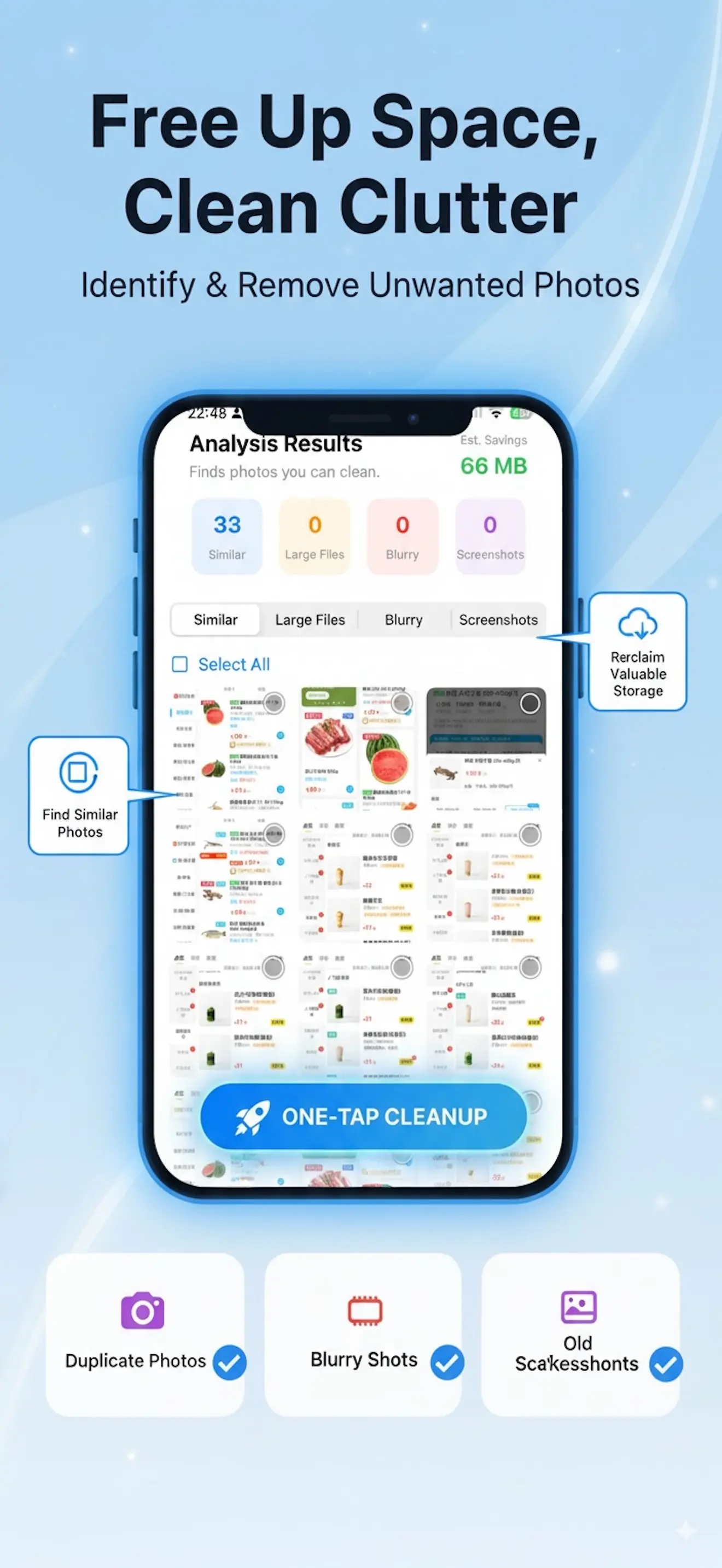
A functional phone with zero storage is useless. Use our built-in Gallery Detox to reclaim gigabytes of space in one tap.
Delete AI Duplicates
Auto-find those 10 identical vacation shots.
Screenshot Cleanup
Archive or purge months of useless screenshots.
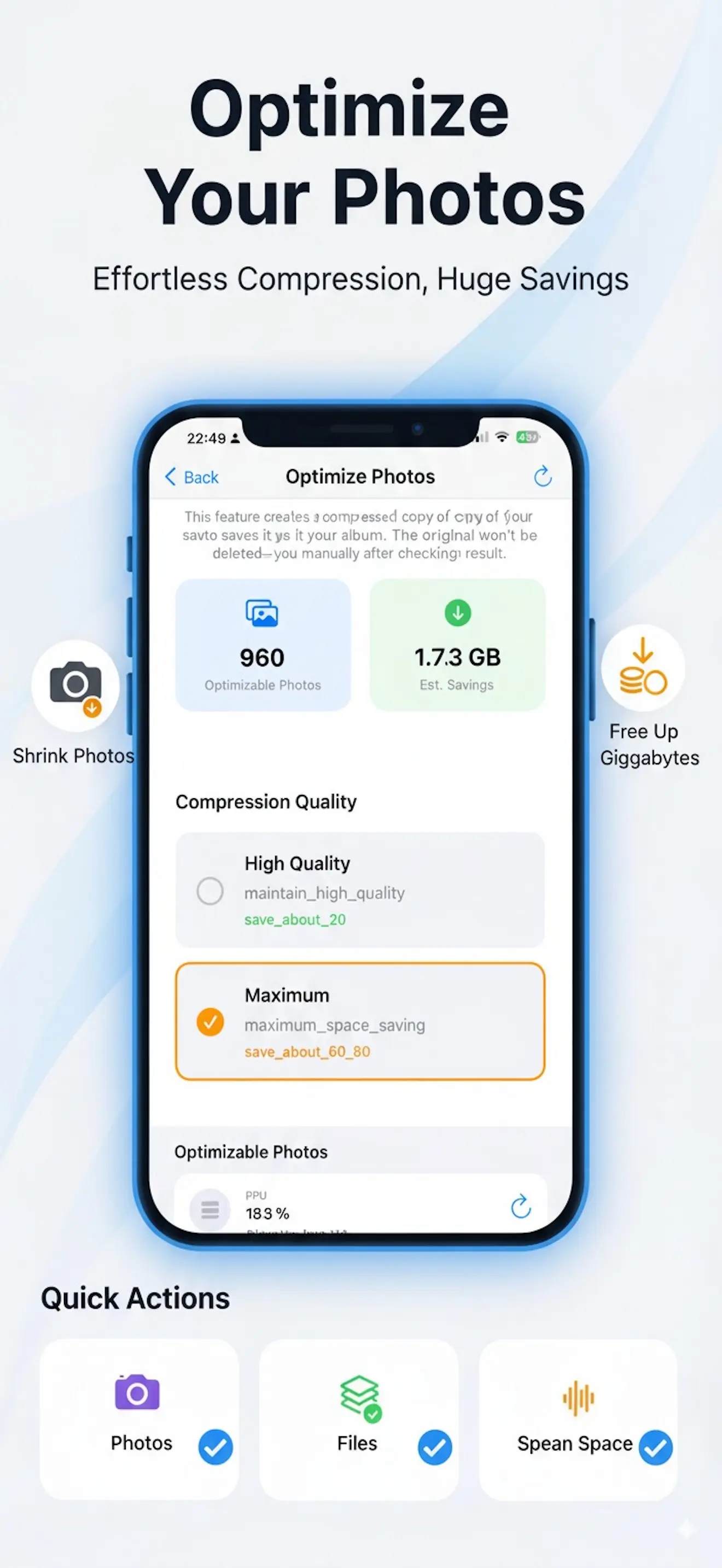
Video compression
Keep your memories, lose the heavy file sizes.
Don't Let a Splash Ruin Your iPhone.
Save Your Hardware. Optimize Your Storage.